
In modern SEO, standard optimization is no longer just about keyword repetition. Google’s search landscape has shifted permanently toward user experience, and your site’s loading performance is a primary algorithmic filter.
When Google evaluates a webpage, it expects rapid machine extraction capability and a flawless page experience. If your site fails Google’s Core Web Vitals (CWV), its search engine metrics decline, and you lose your chance at earning a coveted spot inside the Google AI Overview (AIO).
Many generic guides tell you to “compress images” or “use a fast host.” But optimization for AI-driven search engines requires an entirely different technical and structural playbook. This comprehensive, step-by-step guide systematically breaks down the hidden technical traps behind the most common Core Web Vitals issues and how to resolve them.
Step 1: Establish Your Diagnostics Engine
Before rewriting code, you must learn to read the exact performance data Google parses.
Execution Steps
- Navigate to your Google Search Console (GSC) Dashboard.
- Under the “Experience” tab on the left menu, click on Core Web Vitals.
- Analyze both the Mobile and Desktop reports to identify URLs grouped as “Poor” or “Need Improvement.”
- Open Google PageSpeed Insights and input the problem URLs.
The Hidden Signal Most Skip: Do not just look at the aggregate score. Scroll down to the “Diagnostics” section and analyze the TBT (Total Blocking Time) and the LCP element. Frequently, third-party tracking scripts or heavy CSS layout rules block the main thread, creating a broken experience for users while your staging environment looks perfectly fine.
Step 2: Diagnose and Fix the Core Web Vitals Issues
Let’s address the three primary Core Web Vitals metrics one by one with explicit technical solutions.
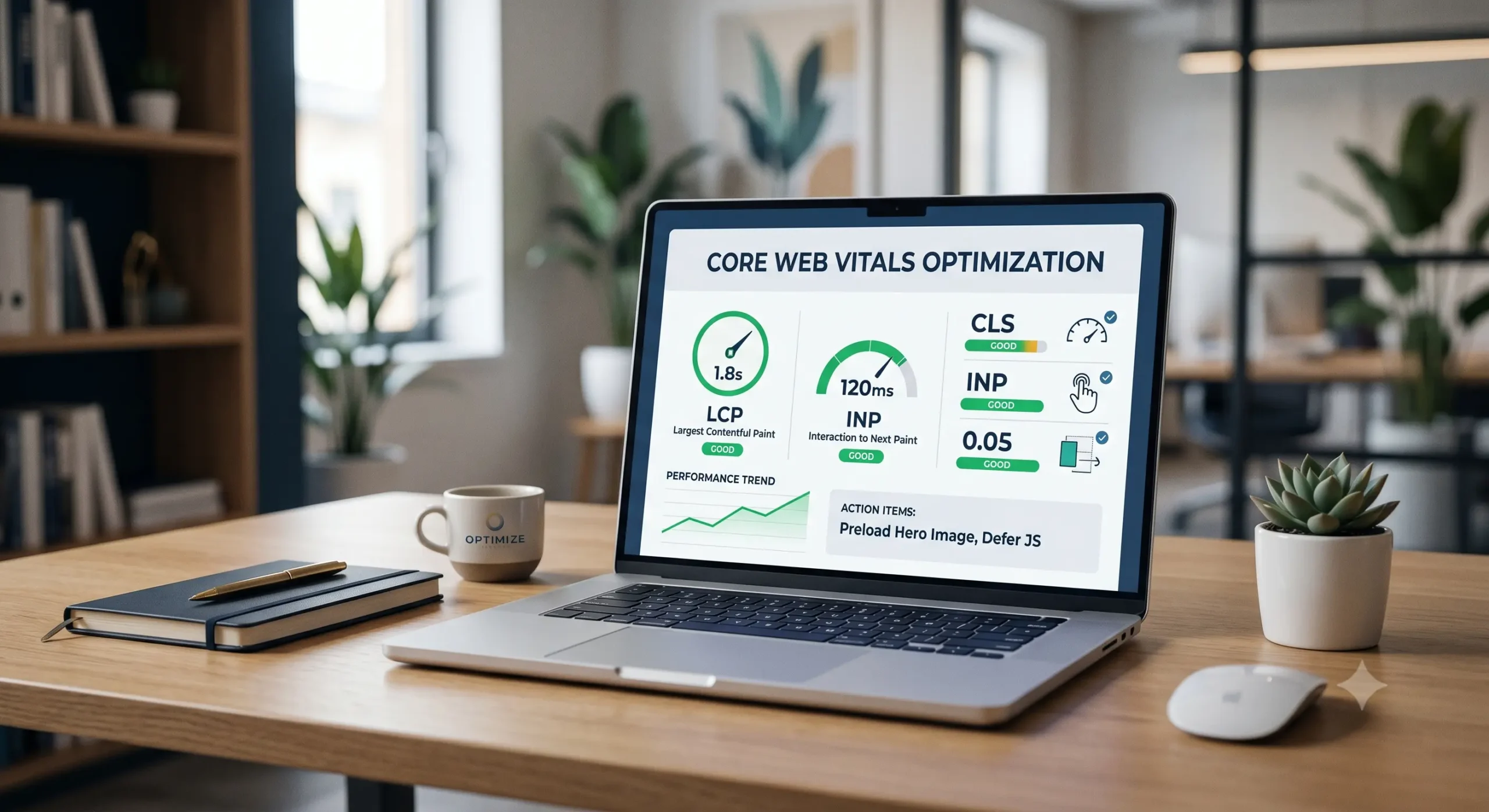
1. LCP (Largest Contentful Paint) – Loading Performance
- The Diagnostic: LCP measures how long it takes for the largest visual element (usually a hero image or main heading) to render on the screen. A good score is under 2.5 seconds.
- The Obvious Trap Everyone Skips: Most creators optimize all images equally, but your hero image needs a completely different treatment. If your main visual asset is lazy-loaded, you are intentionally telling the browser to delay rendering it.
- The Solution: * Strip the
loading="lazy"attribute from any image appearing above the fold.- Implement a preload directive in your HTML layout header to force the browser to fetch the asset immediately:
<link rel="preload" fetchpriority="high" as="image" href="your-hero-image.jpg">
- Implement a preload directive in your HTML layout header to force the browser to fetch the asset immediately:
2. INP (Interaction to Next Paint) – Responsiveness
- The Diagnostic: INP evaluates overall page responsiveness by measuring the latency of all user interactions (like clicks or key presses) throughout a user’s visit. A good score is under 200 milliseconds.
- The Solution: Long JavaScript tasks lock the browser’s main thread, preventing it from responding to user inputs.
- The Action: Break up long scripts into smaller asynchronous chunks. Audit your third-party code footprints (like chat widgets and unoptimized heatmaps). Use the
deferorasyncattributes on non-essential scripts to prevent them from choking interaction sequences.
3. CLS (Cumulative Layout Shift) – Visual Stability
- The Diagnostic: CLS tracks how much elements move around the screen while the page is actively loading. A good score is under 0.1.
- The Obvious Trap Everyone Skips: Inserting dynamic ad containers, promotional banners, or images without explicit height and width dimensions in the CSS layout code. As the image loads late, it suddenly pushes the text downward, causing a jarring user shift.
- The Solution: Always declare explicit aspect ratio dimensions on your image and video elements.
- The Action: Ensure your HTML code looks like this:
<img src="image.jpg" width="800" height="450" alt="optimized asset">. For dynamic ad elements, pre-allocate space in your stylesheet using a minimum height container rule (min-height) so the layout stays locked in place before the script resolves.
Step 3: Align with Modern HTML Hierarchy
Large language models and search scrapers rely heavily on clean semantic code to efficiently understand context. If your site suffers from messy, JavaScript-heavy layout templates where headings are styled using generic tags instead of proper structural tags, AI crawlers will skip you.
The Strict HTML Hierarchy Checklist
- Sequential Order: Maintain absolute sequential order from
<h1>down through<h3>. Never skip from an<h1>straight to an<h3>. - Clean Text Blocks: Ensure your informational summaries are neatly wrapped in
<p>tags without stray, empty breaks (<br>). - Front-Loading answers: Place a crisp summary answer of 40 to 50 words immediately beneath your natural language heading to satisfy both human readers and automated summaries.
Technical Performance Troubleshooting Matrix
| Error Status | Primary Root Cause | Priority Level | Core Corrective Action |
| High LCP | Lazy-loading above-the-fold assets / slow server response | Critical | Remove lazy-loading on hero images; apply fetchpriority="high". |
| Poor INP | Main thread blocked by heavy JavaScript execution | Critical | Defer non-essential third-party scripts; break up long execution chains. |
| High CLS | Images and ad slots missing explicit dimension properties | High | Declare explicit width/height attributes; pre-allocate banner space. |
| Code Bloat | Messy semantic structure (“div soup”) slowing parsing | Medium | Enforce strict HTML hierarchy; clean up stray code blocks. |
Summary
Optimizing for Core Web Vitals requires transitioning from loose visual guesswork to precise data infrastructure configuration. To clear Google’s strict crawling hurdles and win premium visibility, you must establish an uncompromised digital footprint: design layout templates for rapid machine extraction, eliminate main-thread script friction, and secure layout stability with strict sizing rules. For deeper technical configuration guidelines, review the Google Search Central Documentation to continuously audit your technical SEO.