
If you are using Gemini just by typing “write a 1000-word blog post on X,” you are probably getting generic, robotic content that sounds like everyone else.
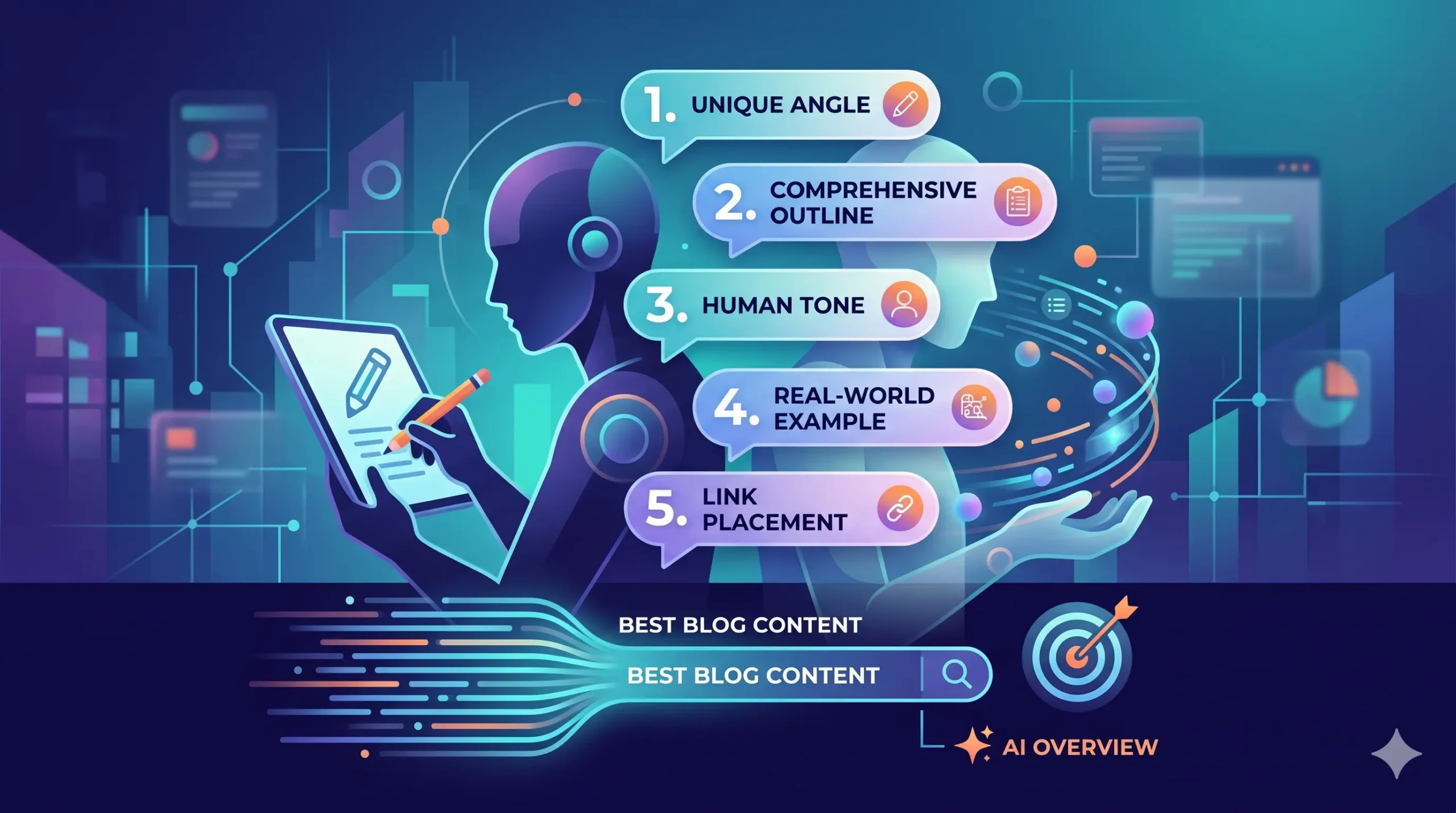
To write a truly outstanding blog post using Gemini, you need to treat the AI like a highly skilled assistant rather than a magic button. Below are 5 highly specific, advanced prompt templates designed to extract human-sounding, deep, and SEO-friendly content from Gemini.
Why Most AI Blog Content Fails (And How to Fix It)
Most people skip the most important part of AI prompting: Context and Constraint. They assume Gemini knows who their audience is, or they forget to tell it what not to do. To stand out, you must force the AI to uncover the “hidden nuances”—the practical, real-world details that generic articles skip because they think it’s too obvious.
5 Essential Gemini Prompts for Premium Blog Content
1. The “Unique Angle & Missing Counterpoints” Prompt
The biggest flaw in AI content is that it repeats the same top 10 Google results. This prompt forces Gemini to find what your competitors missed.
Prompt Template:
“I am writing a blog post about
[Your Topic]. Analyze the top generic advice given on this topic online. Identify 3 critical, practical points or edge cases that most bloggers skip because they assume it’s ‘too obvious.’ Also, provide one counter-intuitive perspective backed by logic that will make this post stand out. Do not write the post yet; just give me the unique angles and points.”
2. The Comprehensive Outline Generator
Never let an AI write without an approved outline. This template establishes a clean HTML hierarchy (<h2>, <h3>) and aligns with search intent.
Prompt Template:
“Act as an expert SEO content strategist. Create a detailed blog post outline for the topic:
[Your Topic]. Target audience is[Describe Audience, e.g., intermediate digital marketers]. Structure the outline using a clear hierarchy (H2s for main sections, H3s for sub-points). Include a section specifically optimized to answer a high-volume ‘What is’ or ‘How to’ question for featured snippets. Ensure the outline covers real-world troubleshooting steps that other blogs gloss over.”
3. The “Human Voice” Section Writer
When it’s time to generate the text, you must explicitly restrict Gemini from using generic AI transition words (like “In conclusion,” “Furthermore,” “Moreover,” or “It is crucial to note”).
Prompt Template:
“Using the outline section
[Insert Section Title], write the content in a conversational, authoritative, yet simple tone. Write like a helpful peer explaining a concept to a friend. Crucial Constraints: Do not use fluff or corporate jargon. Avoid overly formal transition words like ‘Furthermore’ or ‘In conclusion.’ Use short paragraphs (2-3 sentences max) and bold key phrases for scannability. Focus deeply on the exact steps and pitfalls, especially[Mention a specific detail]. Do not copy-paste or paraphrase existing articles from the web; synthesize this from foundational knowledge.”
4. The Analogy & Real-World Example Injector
People learn through stories and concrete examples. This prompt forces Gemini to break down complex topics into simple, relatable concepts.
Prompt Template:
“Read the following draft section:
[Paste Section Here]. Rewrite it to include a vivid, simple analogy that explains the core concept to a beginner. Follow the analogy with a concrete, real-world scenario or mini case study that illustrates exactly how this works in practice. Keep the language incredibly simple and direct.”
5. The Internal & External Link Placement Anchor
A great blog post needs to guide the user to further reading. Gemini can help you seamlessly write natural anchor text for your links.
Prompt Template:
“Review this content and identify 3 natural places where I can insert hyperlinks. Write the exact anchor text to be descriptive of the target page rather than using generic text like ‘click here’ or ‘source.’ Suggest one placement for an authoritative external reference (like a study or official documentation) and two placements for internal blog links relating to
[Mention Your Sub-topics].”
How to Get the Best Output: The Golden Rules
- Do Not Copy-Paste Directly: Always use Gemini’s output as a heavy first draft. Inject your personal experiences, brand voice, and specific case studies. AI can give you structure and speed, but you provide the soul.
- Prevent Plagiarism: Explicitly instruct the AI in your prompts to synthesize knowledge rather than pulling directly from specific top-ranking URLs. This ensures your content remains original and safe from duplicate content penalties.
- Optimize for AI Overviews (AIO): Google’s AI Overviews favor content that gets straight to the point. Use clear definitions, structured bullet points, and answer the core question in the first 2-3 sentences of a section.
Summary: Quick Checklist for Gemini Success
| Step | Action | Why It Matters |
| 1. Extract Nuance | Use Prompt 1 to find skipped details. | Sets your content apart from generic AI fluff. |
| 2. Build Hierarchy | Use Prompt 2 to organize H2s and H3s. | Critical for both human reading and search engine crawling. |
| 3. Enforce Tone | Ban words like ‘Furthermore’ and ‘In summary’. | Makes the text sound authentic and genuinely human. |
| 4. Ground in Reality | Add specific analogies and real examples. | Keeps readers on the page longer (improves dwell time). |
For more official guidance on creating high-quality, people-first content that ranks well in the age of AI search, check out the Google Search Central Guide on Helpful Content. To explore more about Gemini’s capabilities and updates, visit the official Google Gemini Advanced Workspace.
Also Read: AI vs. Human: How to Use ChatGPT for Content Without Getting Penalized