
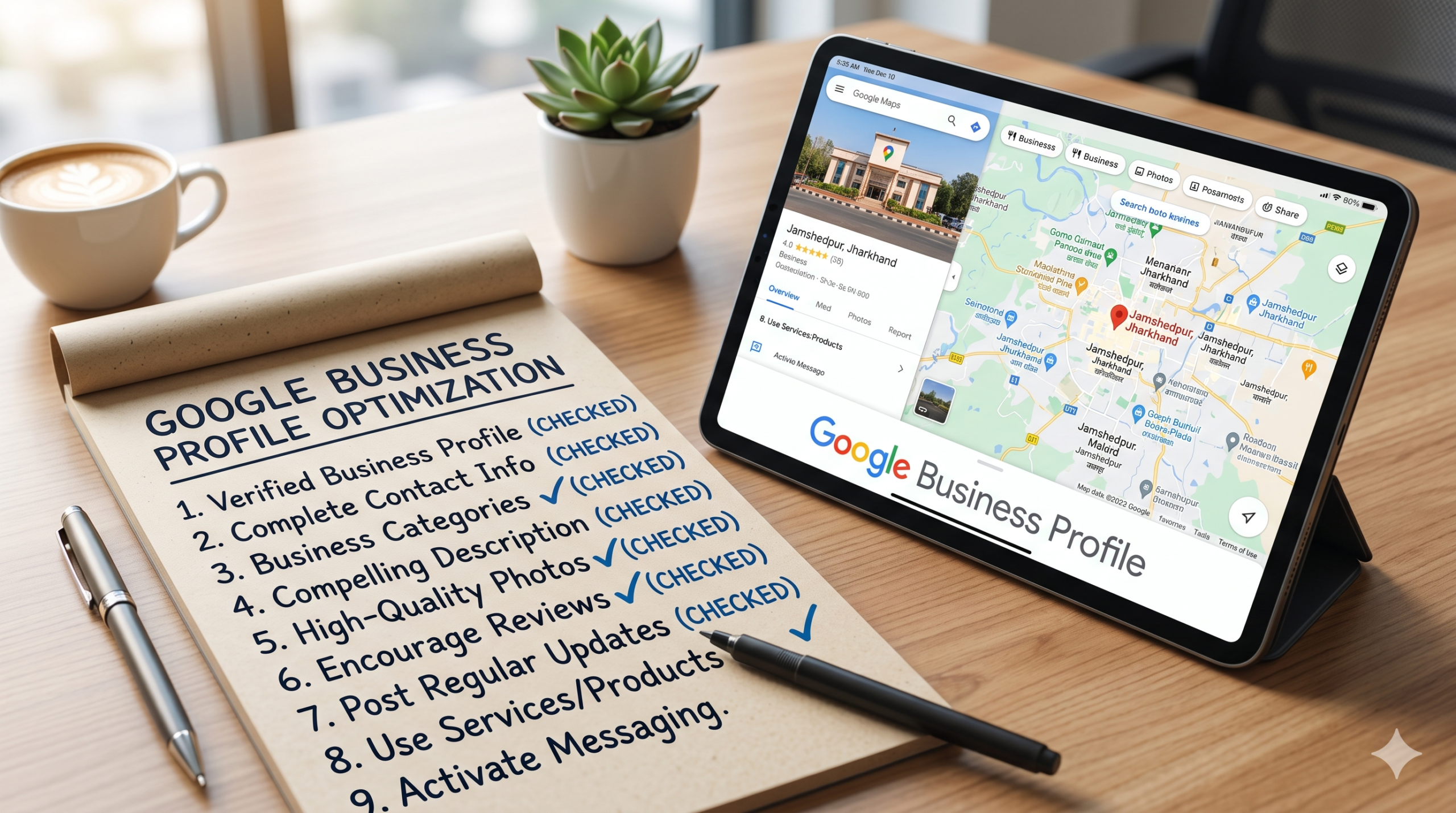
In the current digital landscape, your Google Business Profile (GBP) is often the first, and sometimes only impression a potential customer has of your brand. With Google increasingly integrating AI-driven results through Gemini and local Map Packs, a “set it and forget it” approach no longer works.
If you want to appear in the coveted “Local 3-Pack,” you need a profile that is not just complete, but strategically optimized. Use this comprehensive checklist to boost your local SEO and turn searchers into loyal customers.
1. Claim and Verify Your Business
Before you can fix up the place, you have to own the keys. If you haven’t done it yet, head over to the Google Business Profile gateway and create your listing.
- The Verification Step: Don’t skip the official verification process (whether Google asks for a quick phone call, email, or video walk-through). Unverified profiles are basically invisible to searchers and leave you wide open to random people trying to edit your info.
2. Check Your NAP Consistency
NAP is just industry shorthand for Name, Address, and Phone number. Think of it as the absolute bedrock of your local SEO.
- Keep it Real: Use your actual, real-world business name. Do not stuff it with keywords (e.g., writing “Best Pizza New York – Joe’s Place” instead of just “Joe’s Place”). Google catches onto this quickly and will suspend your account.
- Match Everything: Make sure this info is written exactly the same way across your website, Facebook page, Yelp, and anywhere else online.
3. Pick Your Primary and Secondary Categories
Google relies heavily on categories to figure out what you actually do and who to show you to.
- Primary Category: Pick the one tag that defines your core business. This carries the most weight.
- Secondary Categories: Use these to flesh out your specific services. For example, if your primary category is “Dental Clinic,” your secondary tags could be “Teeth Whitening Service” or “Orthodontist.”
4. Write an Engaging, SEO-Friendly Description
You have 750 characters to pitch your business—make them count.
- The Hook: Put your most important details and main keywords in the first 250 characters, before the text gets cut off with a “read more” link.
- Showcase Your Value: Don’t just list your services like a dry menu; tell people why they should choose you over the competition. Keep it conversational, professional, and skip any links or messy HTML.
5. Show Off High-Quality Visuals
People buy with their eyes. Profiles with photos get 42% more requests for driving directions and 35% more website clicks than those without.
- Inside & Out: Give customers a tour before they arrive. Upload clear shots of your storefront so you’re easy to find, and your interior so they know the vibe.
- Meet the Team: Introduce your staff and showcase your best products. It instantly builds trust.
- Keep it Fresh: Don’t just upload photos once and walk away. Google loves “freshness” and rewards businesses that regularly add new imagery by treating it as a sign that you’re active and open.
6. Build a Habit of Getting Reviews
Reviews are a massive ranking factor. Not only do they provide social proof for real people, but they also feed Google’s AI data about what you do.
- Just Ask: Don’t be shy about asking happy customers for a quick write-up. Most are glad to do it if you make it easy for them.
- Reply to Everyone: Answer the glowing 5-star reviews with gratitude, and handle the negative ones with professionalism. It shows prospects (and Google) that you actually care.
- Organic Keywords: When customers naturally mention specific services in their reviews (like “best deep tissue massage”), it organically boosts your ranking for those terms.
7. Take Control of Your Q&A Section
Most businesses totally ignore the Questions & Answers section, which is a missed opportunity.
- Be Proactive: Did you know you can post your own questions? Write out your own mini-FAQ section to address common customer roadblocks (e.g., “Is there free parking available?”) and answer them directly. It’s a great way to help customers and naturally include extra search terms.
8. Treat Google Updates Like a Mini Social Feed
Google Posts are a fantastic tool to keep your audience informed directly from the search results page.
- Mix it Up: Share limited-time offers, upcoming events, or quick “What’s New” updates.
- Stay Consistent: Try to post at least once a week. It keeps your profile looking alive and lets you add handy call-to-action buttons like “Book Now” or “Order Online.”
9. Map Out Your Products and Services
Don’t leave money on the table by leaving these sections blank.
- Service Descriptions: Spell out exactly what you offer, including pricing if you can. This helps you pop up when people search for highly specific, niche services “near me.”
- Product Editor: If you sell physical goods, use this tool to build a clean, mobile-friendly catalog that users can browse without ever leaving Google.
10. Open Up Messaging and Booking
Make it as easy as possible for people to buy from you.
- Direct Chat: Turn on the messaging feature so customers can text your business directly from your listing.
- Easy Booking: If you run a service business, link your scheduling software (like Calendly or Mindbody). Letting someone book an appointment in two clicks is a massive competitive advantage.
Your Weekly Maintenance Checklist
Keeping your profile optimized doesn’t take hours—just a few minutes of consistent upkeep.
| Task | Frequency |
| Respond to new reviews | Daily |
| Post a new “Update” or “Offer” | Weekly |
| Upload 2-3 fresh photos | Weekly |
| Check and answer the Q&A section | Weekly |
| Audit your NAP consistency across the web | Monthly |
The Bottom Line
Optimizing your Google Business Profile isn’t a one-and-done chore; it’s an ongoing strategy. By staying active, chatting with your community, and giving Google a steady stream of fresh updates, you ensure that when local customers search for what you do, your business is the first one they see.
Tackle the basics today, and watch your local footprint grow!
2 thoughts on “10 Ways To Optimize Google Business Profile for Local Visibility: A Checklist”